Blog
Edit Word and Excel in the browser — no upload, no account, free.
Tutorial
Edit a PPTX Without PowerPoint: Fix One Slide in Someone Else's Deck
It's 4:52 p.m. A colleague sends you a 31slide deck with a short note: "Can you fix the date on slide 7? Presenting at 9 tomorrow. Thanks!!" The two exclamatio…
Read more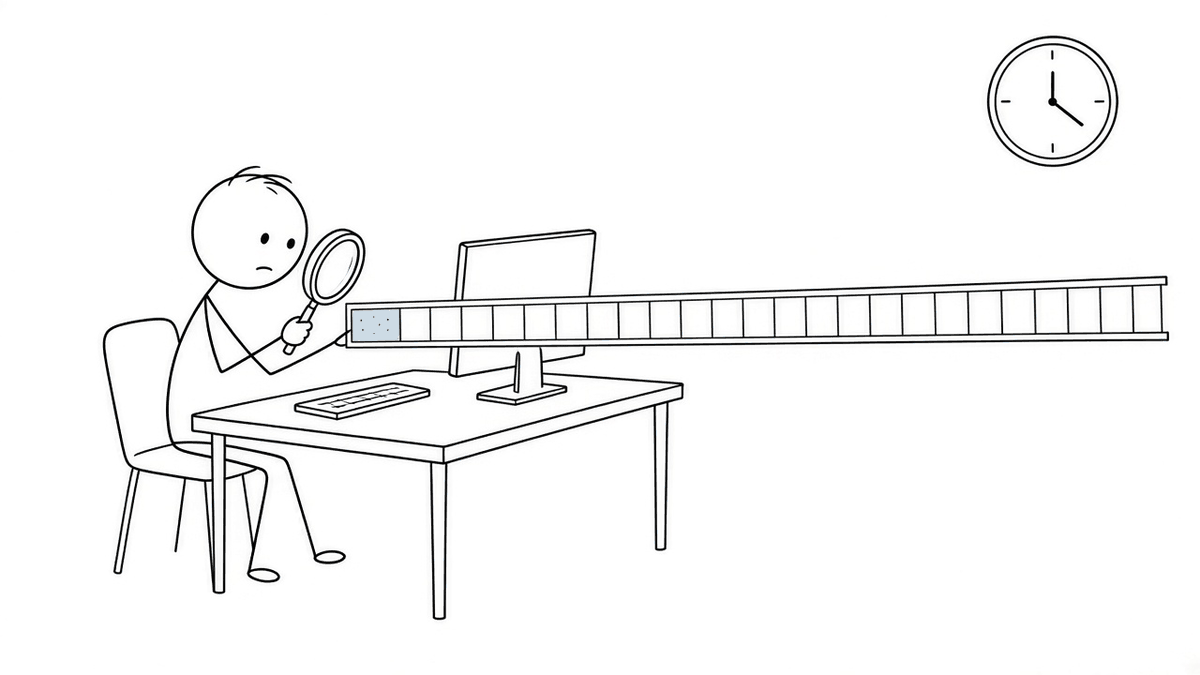
Productivity
Before Undo: How People Fixed Typos on a Typewriter
Type the word "teh." Press Ctrl+Z and watch it vanish as if it had never existed. Now imagine that the letters had been punched into a sheet of paper with an i…
Read more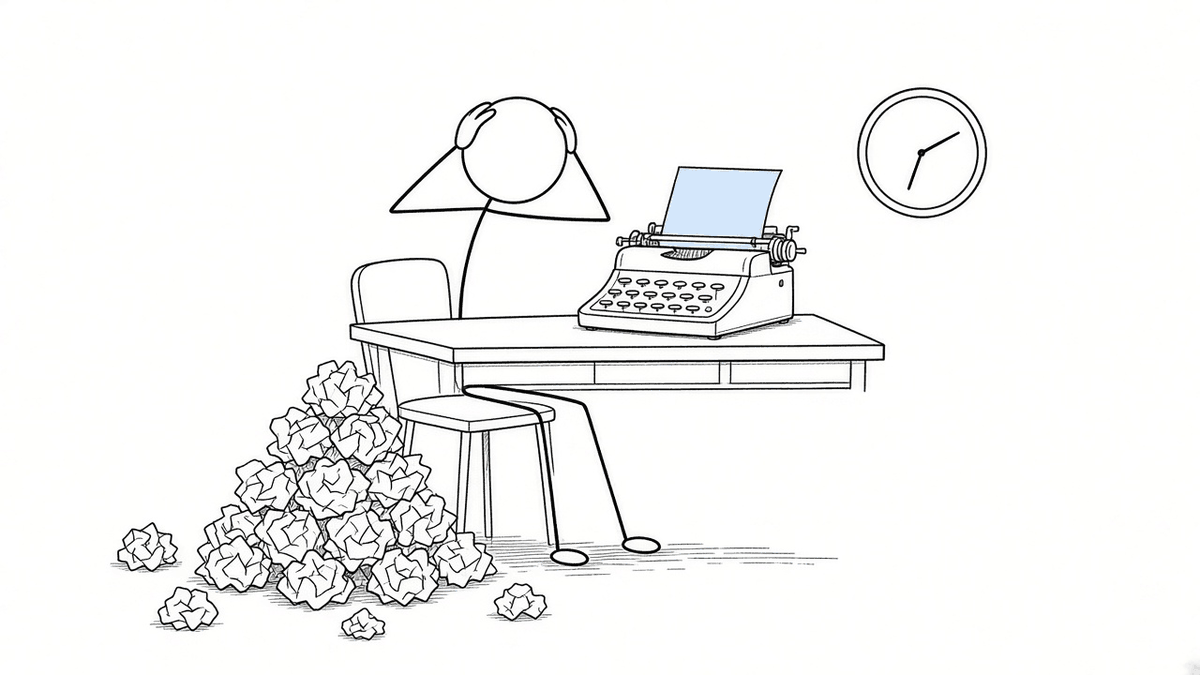
Tutorial
How to Sign a PDF Without Printing It (and Scanning It Like It's 1997)
Someone emails you a PDF. "Just sign and send it back," they say, in the breezy tone of a person who will not be doing any of the work. So you begin the ritual…
Read more
Microsoft Word
What Is Inside a DOCX File? It's Secretly a Zip Full of Tiny Notes
Here is something you can do this afternoon that will make you slightly suspicious of every document you own. Take a Word file. Make a copy. Change the end of…
Read more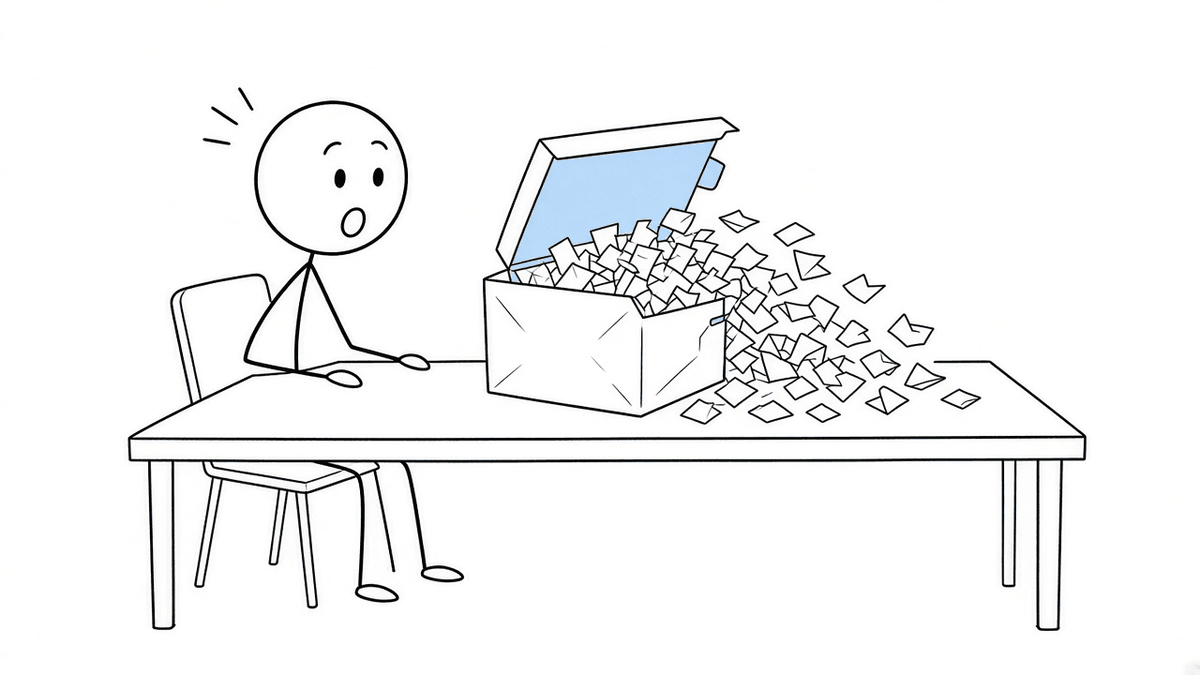
Privacy
Editing DOCX Without Upload: A Practical GDPR Privacy Boundary
A Word document can contain far more personal data than its filename suggests: applicant details, an employee warning, customer rates, medical appointment note…
Read moreProductivity
Edit Word Files Without a Microsoft 365 Subscription
You receive three Word files in a quiet month: a client brief, a contract with one wrong date, and an invoice template. Paying for a full office subscription m…
Read moreProductivity
Google Docs Broke Your Word Formatting — Edit Native DOCX Instead
Google Docs broke your Word formatting after a roundtrip? Skip the conversion next time: edit the original .docx in the browser, download Word again — no Googl…
Read moreProductivity
Edit WhatsApp DOCX on PC — No Google Drive, No Account
Edit a WhatsApp DOCX on your PC without Google Drive: download the attachment, open it in the browser, edit, and send the same .docx back — no account, no acci…
Read moreMicrosoft Word
Edit DOCX on Mac or Chromebook Without Word — Fidelity Guide
Edit DOCX on Mac or Chromebook without Microsoft Word: open the file in Safari or Chrome, edit everyday text, download, and check it before you send — no Offic…
Read more
Productivity
How to Edit XLSX Spreadsheets Online (No Account, No Upload)
Someone sends you a .xlsx budget, roster, or price list. You are on a Chromebook, a library PC, or any machine where installing Excel or signing into Microsoft…
Read more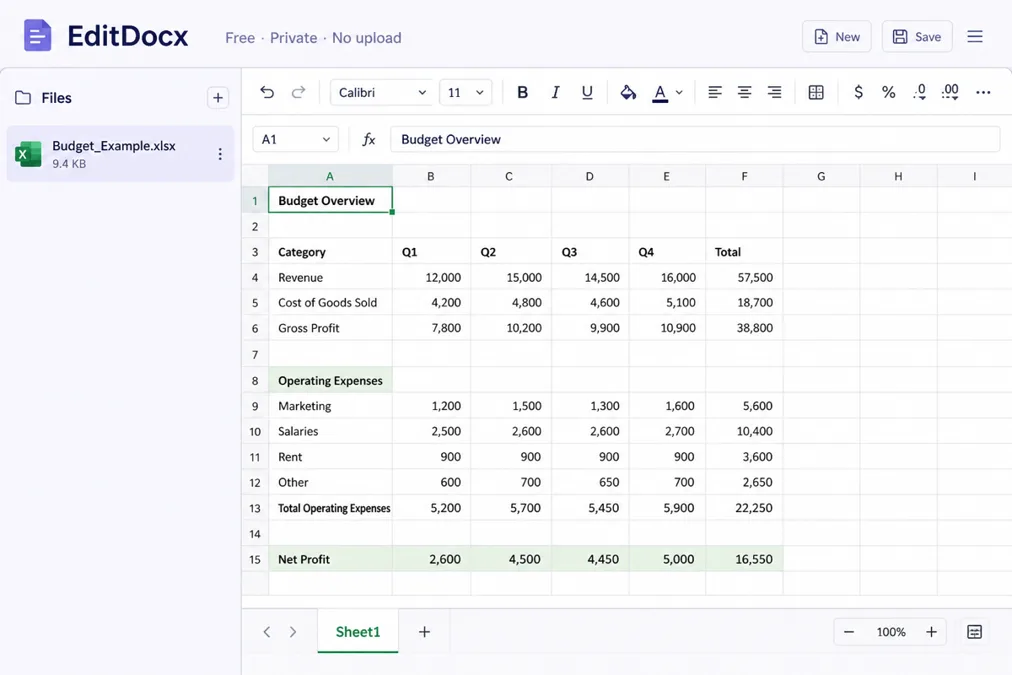
Productivity
How to Edit Word Online Free — No Account, No Upload
How to edit Word online free with no account: open the file in your browser tab, change what you need, and download — document content is not uploaded to EditD…
Read more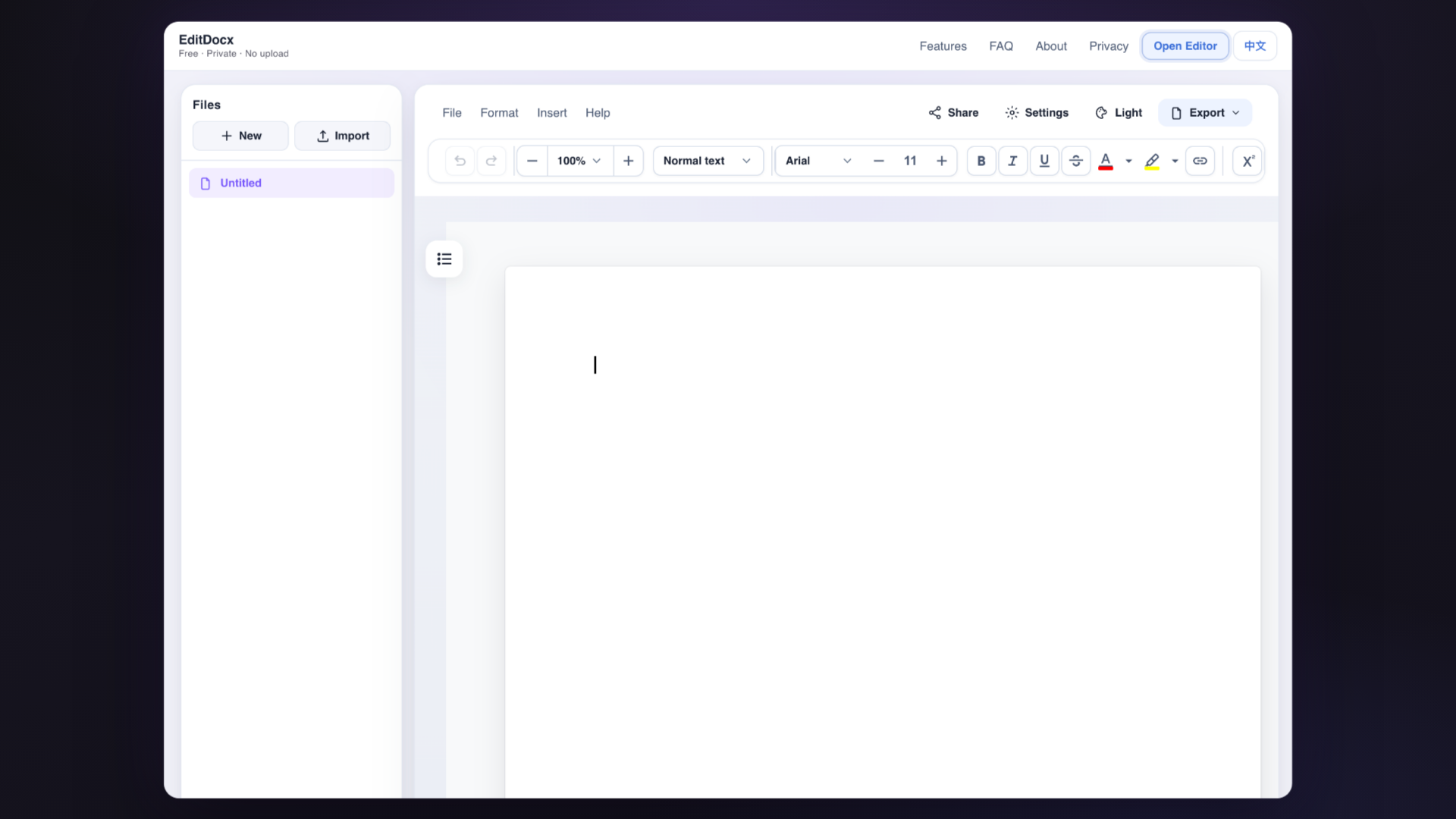
Productivity
Microsoft Account vs Local DOCX Editing: What Changes
Word Online connects identity, OneDrive storage, sharing links, and Microsoft 365 collaboration. That bundle is powerful for ongoing team work inside a tenant.…
Read more
Productivity
EditDocx vs Word Online, Google Docs, Excel Online, and Sheets
You’ve got a .docx or an .xlsx and no desktop install. Search will show Word Online, Google Docs, Excel Online, Google Sheets, and smaller tools like EditDocx.…
Read more
Privacy
Edit DOCX Free — No Signup, No Upload (Private Browser Editing)
Edit DOCX without upload: the document stays in this browser tab while you work — no account, and document content is not sent to EditDocx servers for editing.…
Read more