
How to Sign a PDF Without Printing It (and Scanning It Like It's 1997)
How to sign a PDF without printing: what a PDF really is, how fill-and-sign works, image vs digital signatures, and how to do it in your browser.
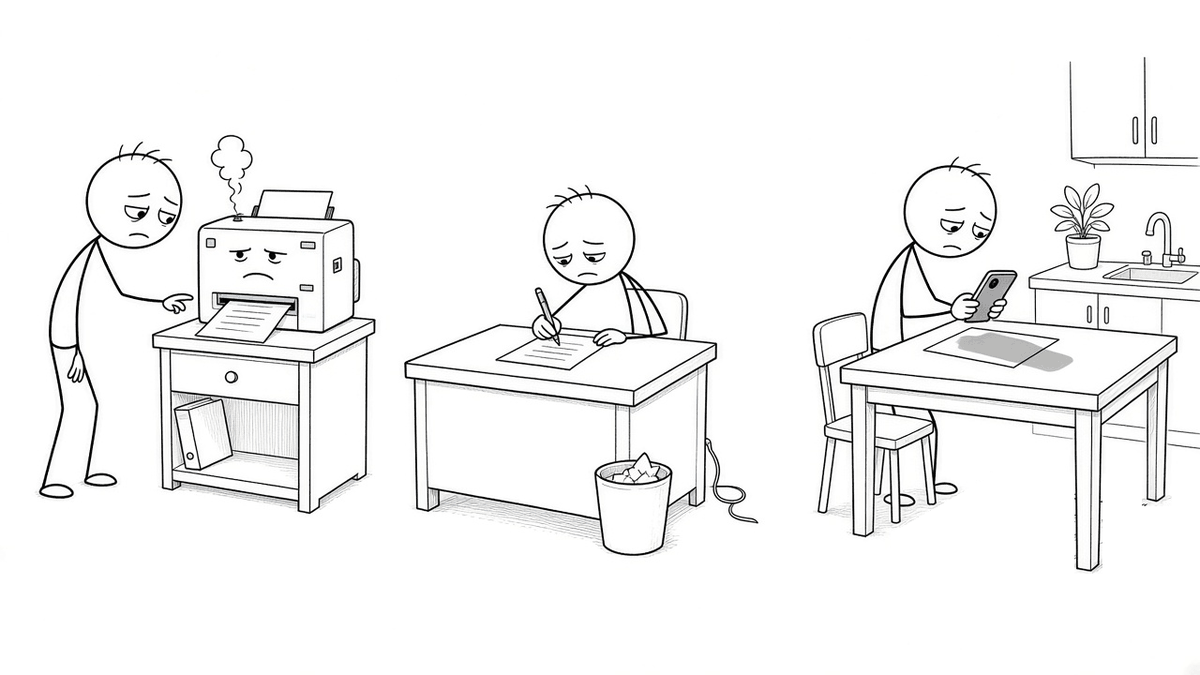
Someone emails you a PDF. "Just sign and send it back," they say, in the breezy tone of a person who will not be doing any of the work.
So you begin the ritual. You print it. The printer, sensing weakness, announces it is out of cyan, even though the document is black and white. You find a pen that works on the third try. You sign. Then you put the page on the scanner, or, more likely, you lay it on the kitchen table and photograph it with your phone while your own shadow looms over it like a weather front. You email back a slightly crooked, slightly gray picture of a piece of paper that started life as a perfectly good file.
You have turned a computer file into paper and then back into a computer file, purely so that a pen could touch it. It's like printing out an email so you can read it out loud to the person who sent it.
There's a shorter way. To see why it works, it helps to know what a PDF actually is.
A PDF is a photo of a page, not a document you can rewrite
A Word file is like a recipe. It says "here is a paragraph, make it this font, wrap it at the margin," and the program works out where everything lands. Change a word and the rest of the paragraph shuffles along to make room.
A PDF is more like a printed photo of a page. Adobe created the format in the early 1990s so a page would look the same everywhere: on any computer, on any printer, decades later. It's now an ISO standard (ISO 32000). To keep that promise, a PDF mostly stores instructions like "draw these letters at exactly this spot." It often doesn't really know that those letters form a sentence, or that the sentence belongs to a paragraph.
That's why editing a PDF's actual paragraphs is so annoying. If you make one sentence longer, nothing reflows. The new words just run into the next line, like a sofa that won't fit through the door. A PDF is built to stay put.
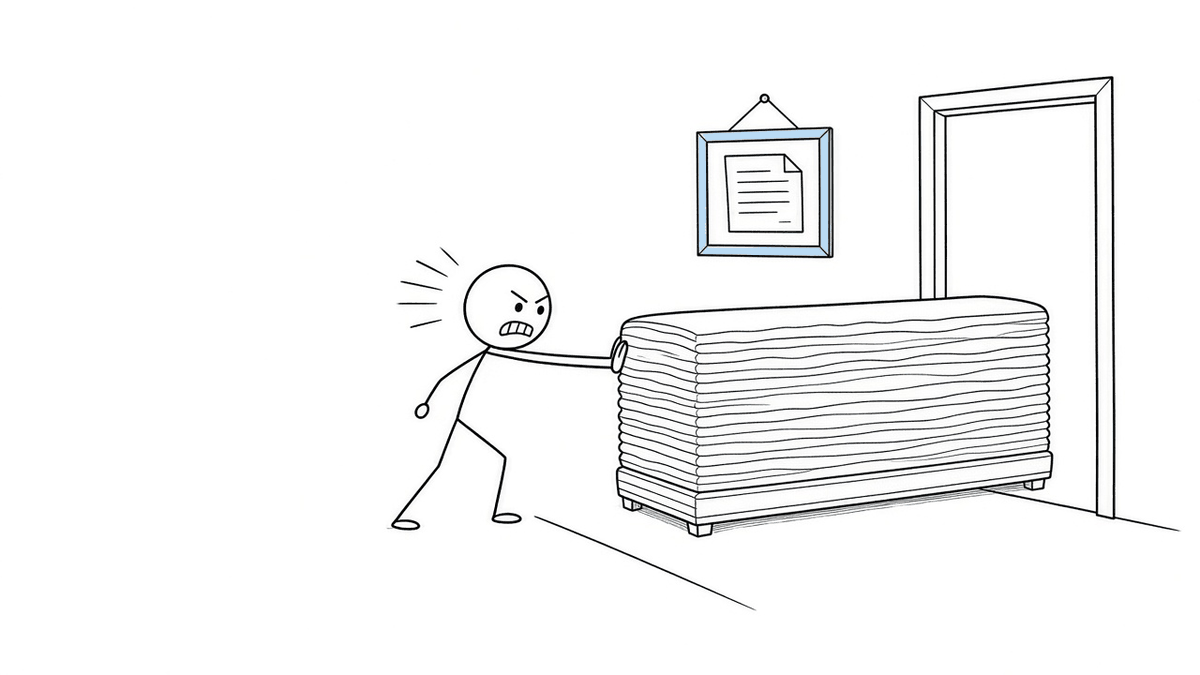
Staying put is a feature, though. It's exactly what you want in a contract. Nobody wants page 3 to quietly rearrange itself between "I agree" and "Sincerely."
Signing is just adding a layer on top
Here's the trick. You don't need to change the page to sign it. You just need to put things on it.
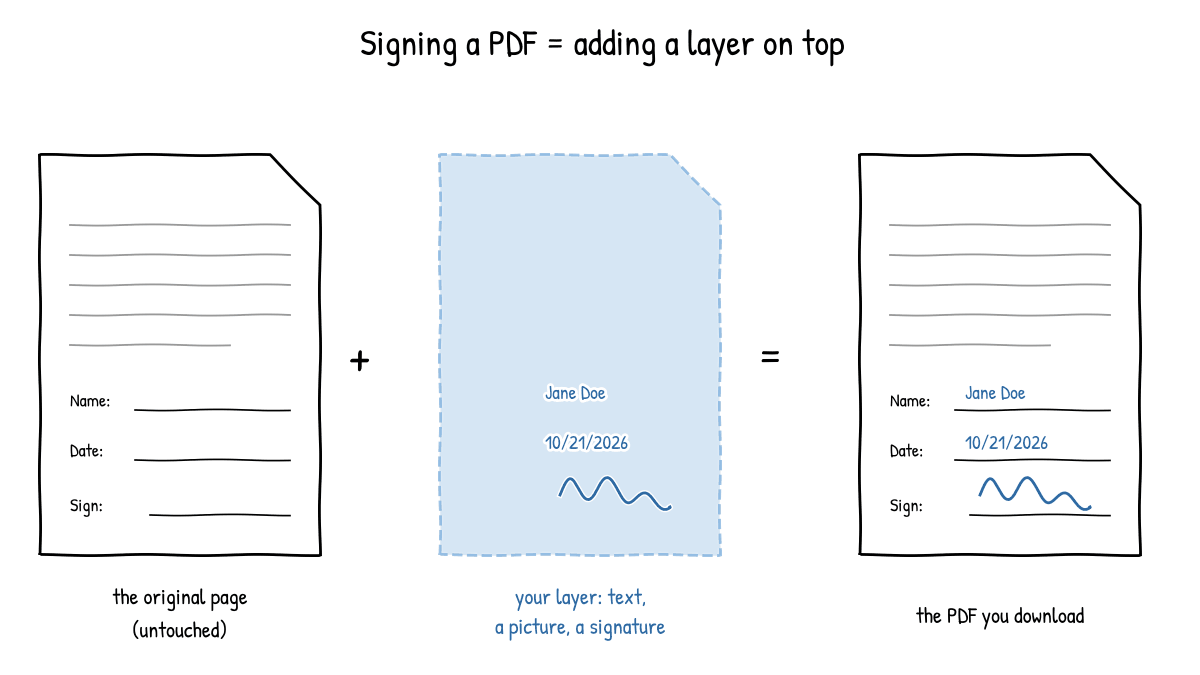
Think of a sheet of clear plastic laid over a printed form. On the plastic, you write your name in the blank, the date in the date box, and your signature on the line. The form underneath is untouched. When you're done, you press the two together, and the result looks like one filled-in page.
Digital fill-and-sign tools work the same way. They add text boxes, pictures, and a signature on top of the existing page, at the positions you choose, then save a new PDF with that layer included. Some PDFs come with built-in form fields, boxes that were designed to be typed into. Many don't. A layer works on either kind, because it doesn't care what's underneath. It just needs to know where to put things.
A picture of a signature vs. a digital signature
This is where people get confused, partly because the words are almost the same.
A signature image is what most people mean when they say "sign a PDF." You draw your signature with a mouse or finger, type your name, or use a photo of your real signature, and it's placed on the page as a picture. It looks like a signature. It works the way a signature on paper works: it shows that you, presumably, put it there. But it's a picture. Anyone with the file could copy it, and it doesn't prove by itself that the document hasn't been changed since.
A cryptographic digital signature is a different animal. It uses a certificate, a kind of digital ID usually issued by a trusted organization, and a secret key that only you hold. The software calculates a fingerprint of the exact file and locks that fingerprint with your key. If someone later changes even one character, the fingerprint no longer matches, and PDF readers can flag the signature as invalid. It may not even look like a signature on the page. Its proof is in the math, not the ink.
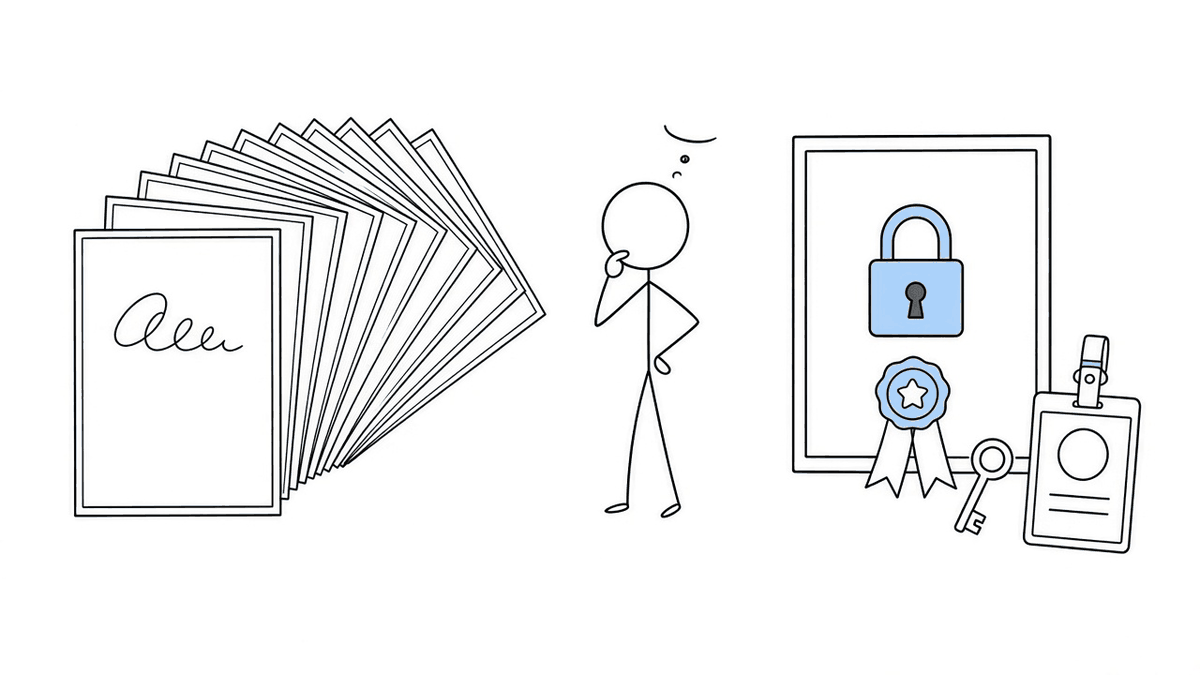
Rough analogy: a signature image is your autograph. A digital signature is your autograph plus a tamper-evident seal plus a notary's stamp saying it's really you.
So which one counts?
Honest answer: it depends on who's asking and where.
In the United States, the federal ESIGN Act (2000) says that, for many everyday transactions, a signature or contract can't be denied legal effect just because it's electronic. Some kinds of documents are excluded. In the European Union, the eIDAS Regulation sets out three levels: simple, advanced, and qualified electronic signatures. A qualified electronic signature gets the same legal effect as a handwritten one. The others can't be denied legal effect, or rejected as evidence, just because they're electronic, but that's not the same as automatically counting.
Neither law means "any picture of your name is fine for anything." Rules vary by country, by type of document, and by organization. Your landlord may be happy with a drawn signature. A government office or a bank may require a certificate-based one, or paper. Check what the recipient needs before you sign. Asking takes ten seconds. Re-sending a contract takes a week.
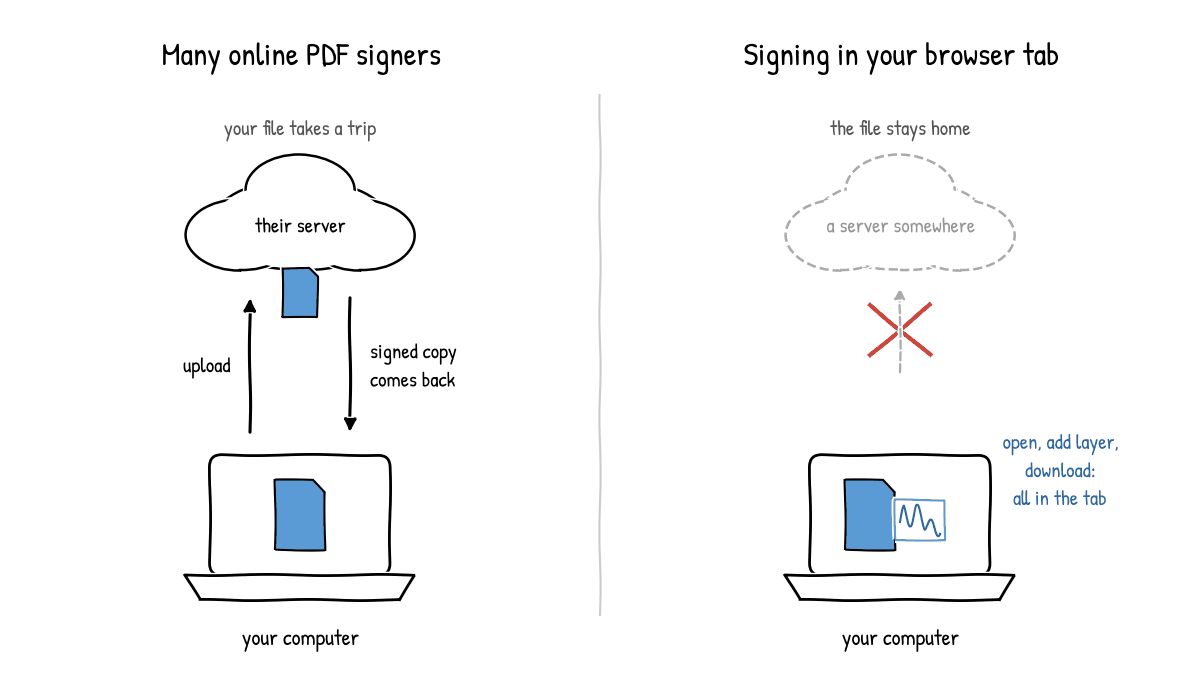
Where does your file go while you sign it?
Many online PDF signers work by uploading your file to their servers, adding the signature there, and sending you back the result. That can be perfectly fine. But think about what's often in a document you're asked to sign: your address, your salary, your bank details, your signature itself. All of it makes a little trip to someone else's computer.
The alternative is signing in the browser itself. Your browser can open a PDF you pick, draw a layer on top of it, and build the new file right there in the tab. No upload is needed, because the browser is a capable little machine on its own. It's the same idea we covered in Editing DOCX Without Upload, just with a PDF instead of a Word file.
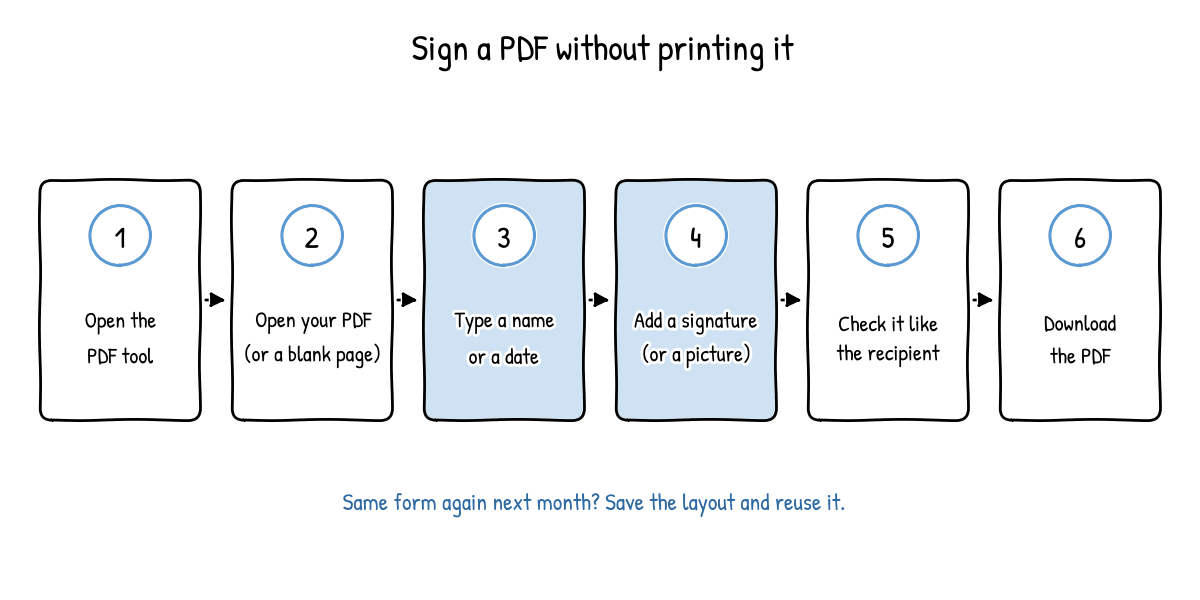
How to sign a PDF without printing it (in your browser)
Here's how to do it with Fill a PDF on EditDocx. It's free, there's no signup, and the file stays in your browser. Nothing is sent to EditDocx servers.
- Open the PDF tool. Go to Fill a PDF on EditDocx.
- Bring your page. Open the PDF from your computer. If you don't have one, you can start from a blank page instead.
- Type what's missing. Add your name, a date, or whatever else the blanks ask for, and place it where it belongs.
- Add your signature. Put a signature on the signature line. You can also add a picture, such as a logo or a stamp.
- Check it like you're the recipient. Zoom in. Is everything on the right line? Is the date right?
- Download. Save the filled-in PDF to your computer and send it back.
- Doing this form often? Save the layout, and next time you can fill the same form again without placing everything from scratch.
One honest limit: this adds things on top of the PDF. It can't rewrite the original paragraphs. If the contract has the wrong address in clause 4, that's a fix for whoever made the document, not for your signature layer. If what you have is really a Word file, editing the .docx is usually easier. See How to Edit Word Online Free.
The 1997 ritual, retired
The print-sign-scan routine survived for so long because it felt official. Paper went through a machine, so something real must have happened. But for most everyday forms, what the recipient wants is a clear, filled-in page with your name, a date, and a signature in the right places. You can make that without ever waking the printer.
For the rare document that needs more, like a certificate-based signature or a wet-ink original, now you know what to ask for.
FAQ
Can I sign a PDF without printing it? Yes. A fill-and-sign tool lets you type text and add a signature on top of the page, then download a new PDF. Whether a signature image is acceptable for a particular document is up to the recipient and the rules that apply.
Is a drawn or typed signature the same as a digital signature? No. A drawn or typed signature is a picture placed on the page. A digital signature uses a certificate and cryptography to show who signed and whether the file changed afterward.
Why can't I just edit the text in my PDF? PDFs store text as letters placed at fixed spots on a fixed page, not as flowing paragraphs. Adding text on top is easy. Rewriting what's already there usually isn't.
Do online PDF signers upload my file? Many do, to process it on their servers. Tools that work locally in the browser, like Fill a PDF on EditDocx, keep the file in your browser tab instead.
